LockPro
Hide prices, lock collections and put a login in front of the catalogue, so only the buyers you approve can shop.
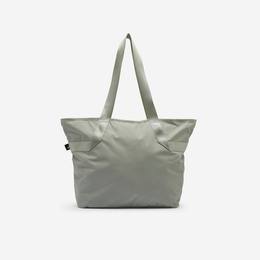 Sage shoulder tote Log in to see price
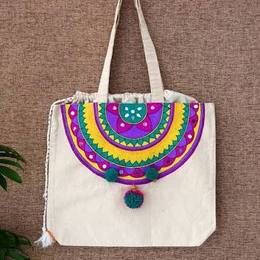
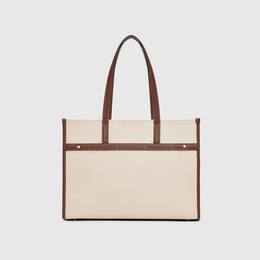 Canvas carryall Log in to see price
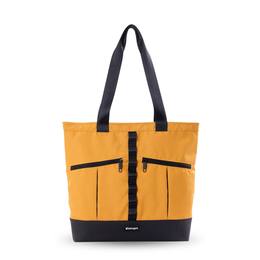 CarryPro utility tote Log in to see price
- Prices visible
- Add to cart enabled
- Hidden from Google Shopping
Same page, two audiences. LockPro decides which one a visitor is.
Five things LockPro does, one at a time
Any page, product, collection or article — your theme behind your password
LockPro inside the Shopify admin
5 screens


Merchants trust LockPro with the front door
Every store below chose who gets to see their prices.
Sound familiar?
Why merchants install itBefore you install
Stop 1 of 5One stop in the order journey — the apps either side handle the moments before and after.
“If you're looking for server-side protection that cannot be handled with client-side javascript…”
Pangolin Laser Systems, United StatesRead them on Shopify ↗Common questions
LockProHow do I hide prices on Shopify until a customer logs in?
Install LockPro and turn on price hiding. Logged-out visitors see a 'Log in to see price' message instead of the price, and the add-to-cart button is disabled. You can apply it to the whole catalogue or to specific products, collections or variants. On the Advance plan, hidden prices are also kept out of Google Shopping feeds.
Can I show a wholesale catalogue only to approved B2B customers?
Yes. LockPro gates pages, products, collections, variants and blog articles by Shopify customer tag, so only customers you have tagged and approved can see them. Everyone else sees a lock screen you can style to match your theme.
Does LockPro work without a Shopify Plus plan?
Yes. LockPro runs on standard Shopify plans. It is used by trade and wholesale merchants who need access control without upgrading to Shopify Plus. There is a free plan with one lock, and paid plans at $9.99 and $19.99 a month.
 Next stopWholesale Pro